news / episodes /about /starring/collectables /downloads /exhibitions /gossip 

Downloads

Yes, you too can have your very own Making the Empire Cross desktop picture.

First select the image you like then click on your preferred resolution.

Then, if you have a PC right click on the image and choose “Set As Wallpaper” or “Set As Background”.

Or if you have a Mac the control click on the image and select “Set As Desktop Background…”

Cherry Burlesque

1280 x 1024

1024 x 768

800 x 600

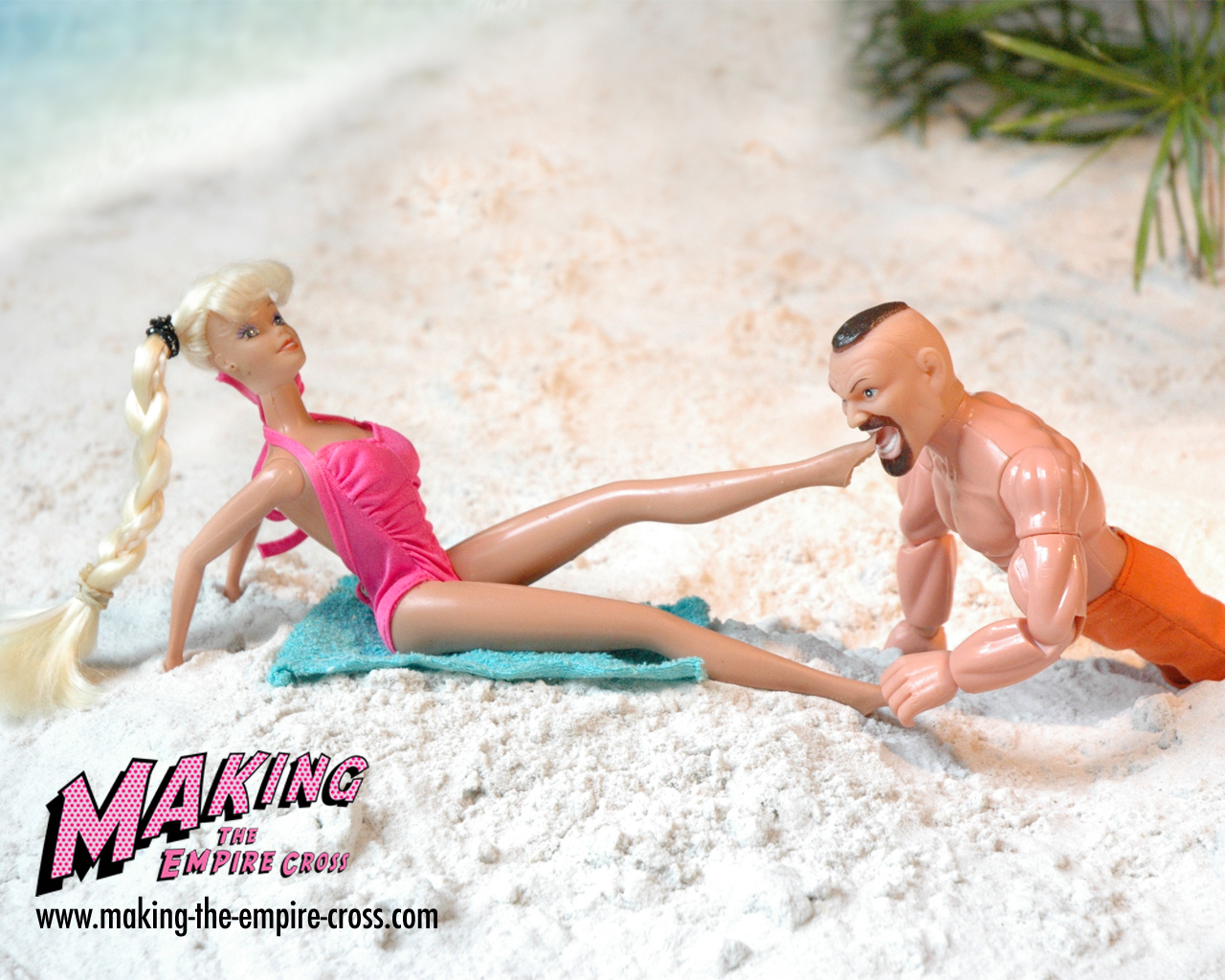
toesuck

1280 x 1024

1024 x 768

800 x 600

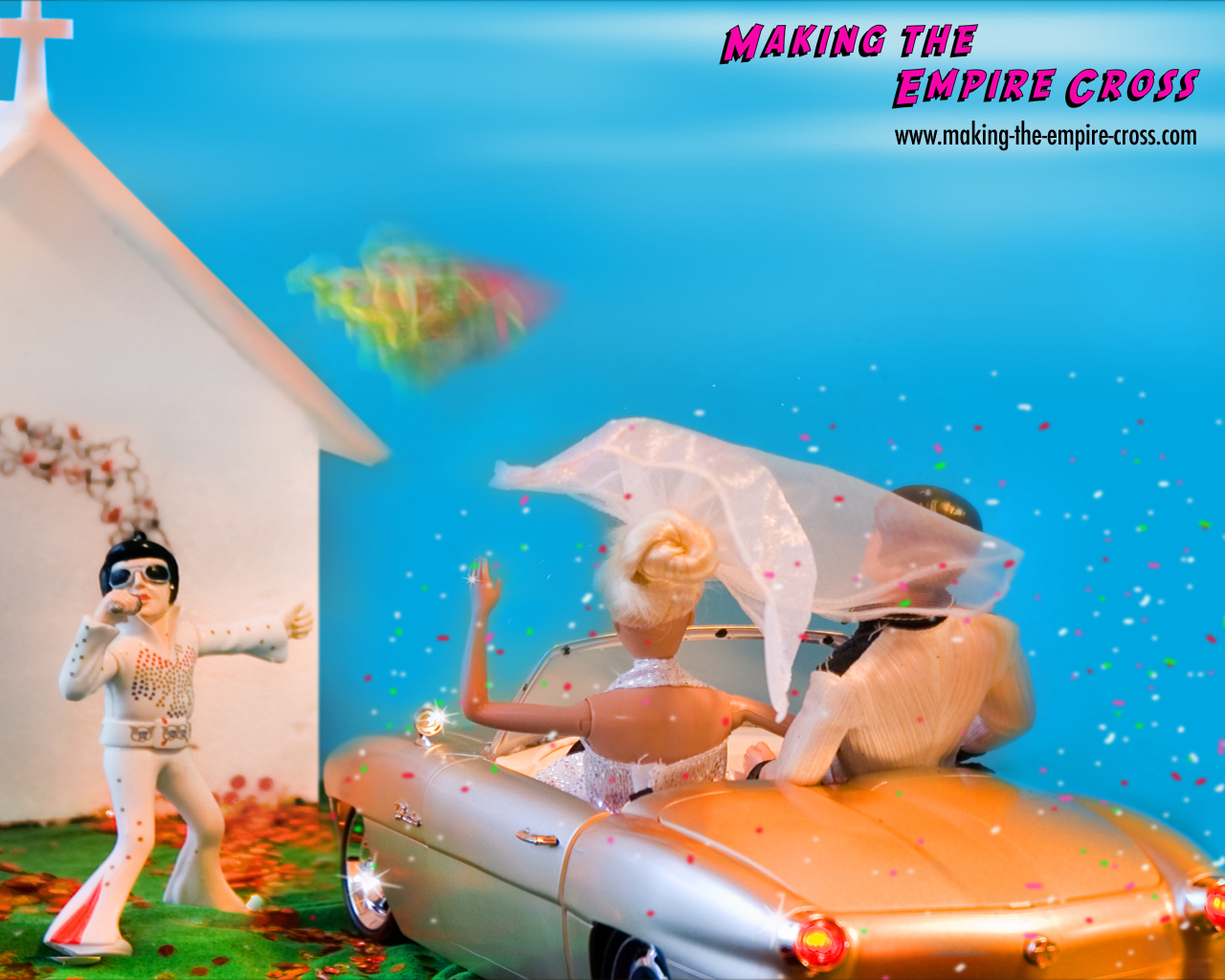
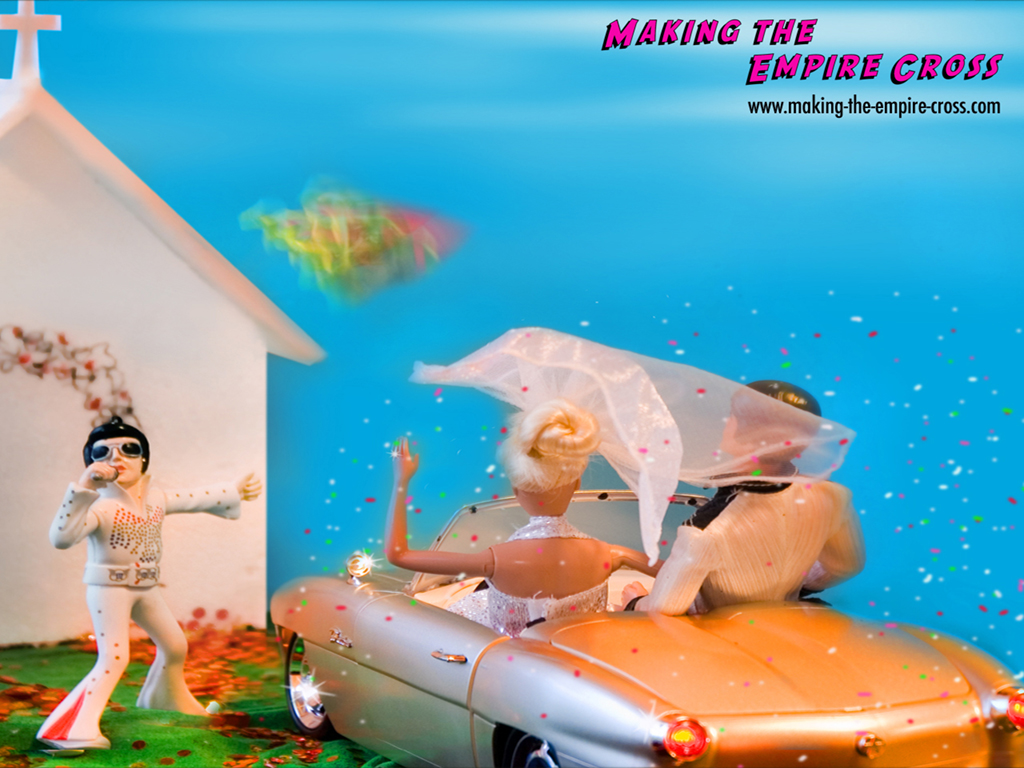
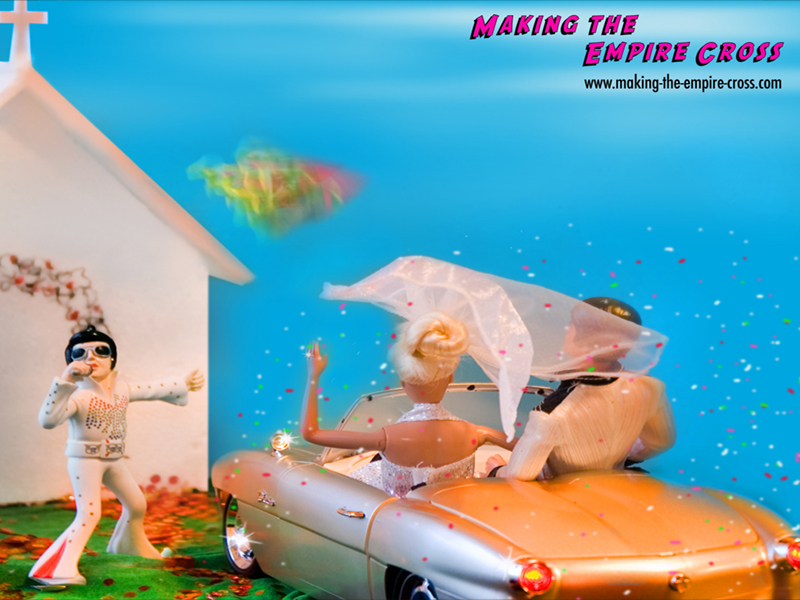
DriveThruWedding

1280 x 1024

1024 x 768

800 x 600

Ryan sexy

1280 x 1024

1024 x 768

800 x 600

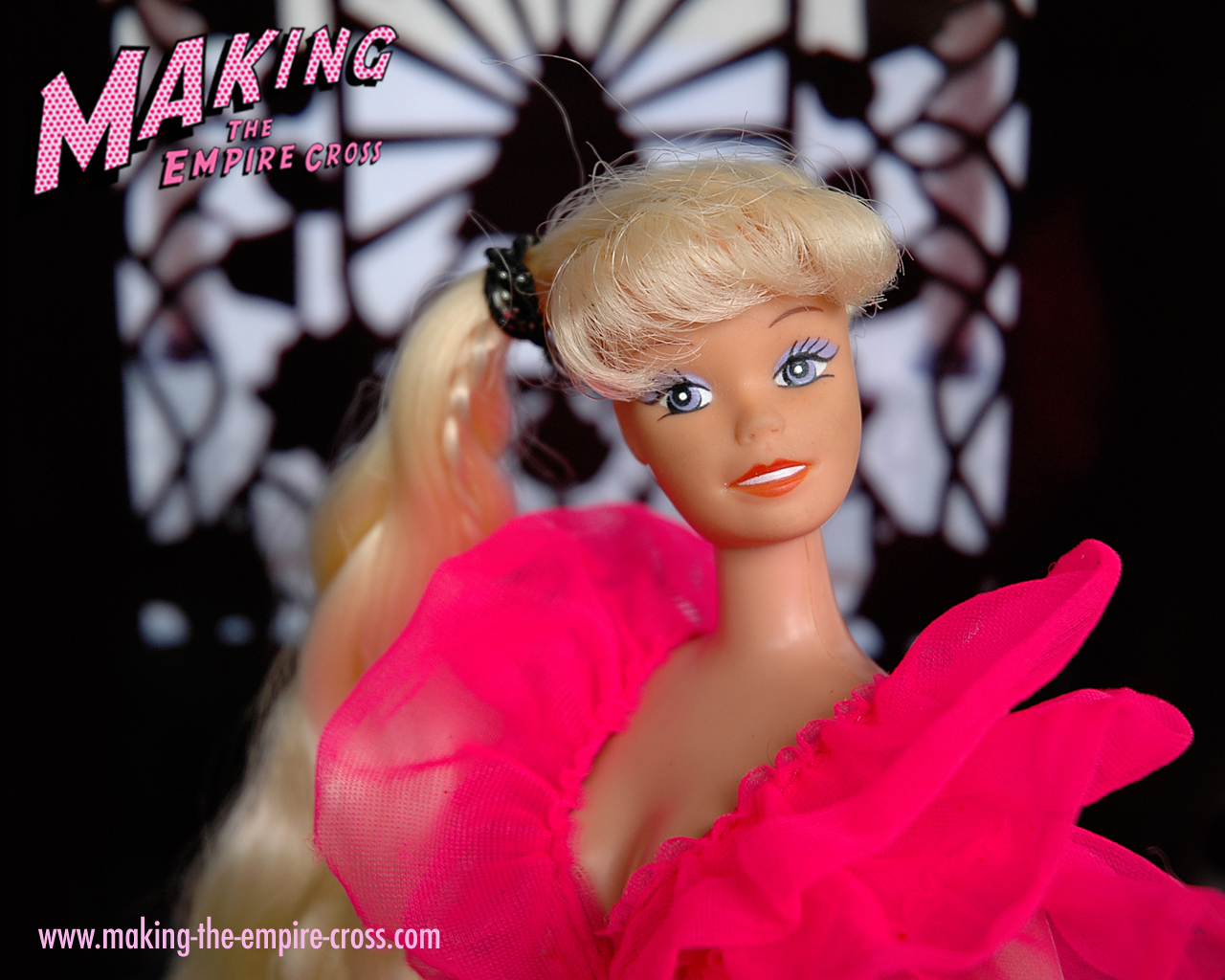
Cherry

1280 x 1024

1024 x 768

800 x 600
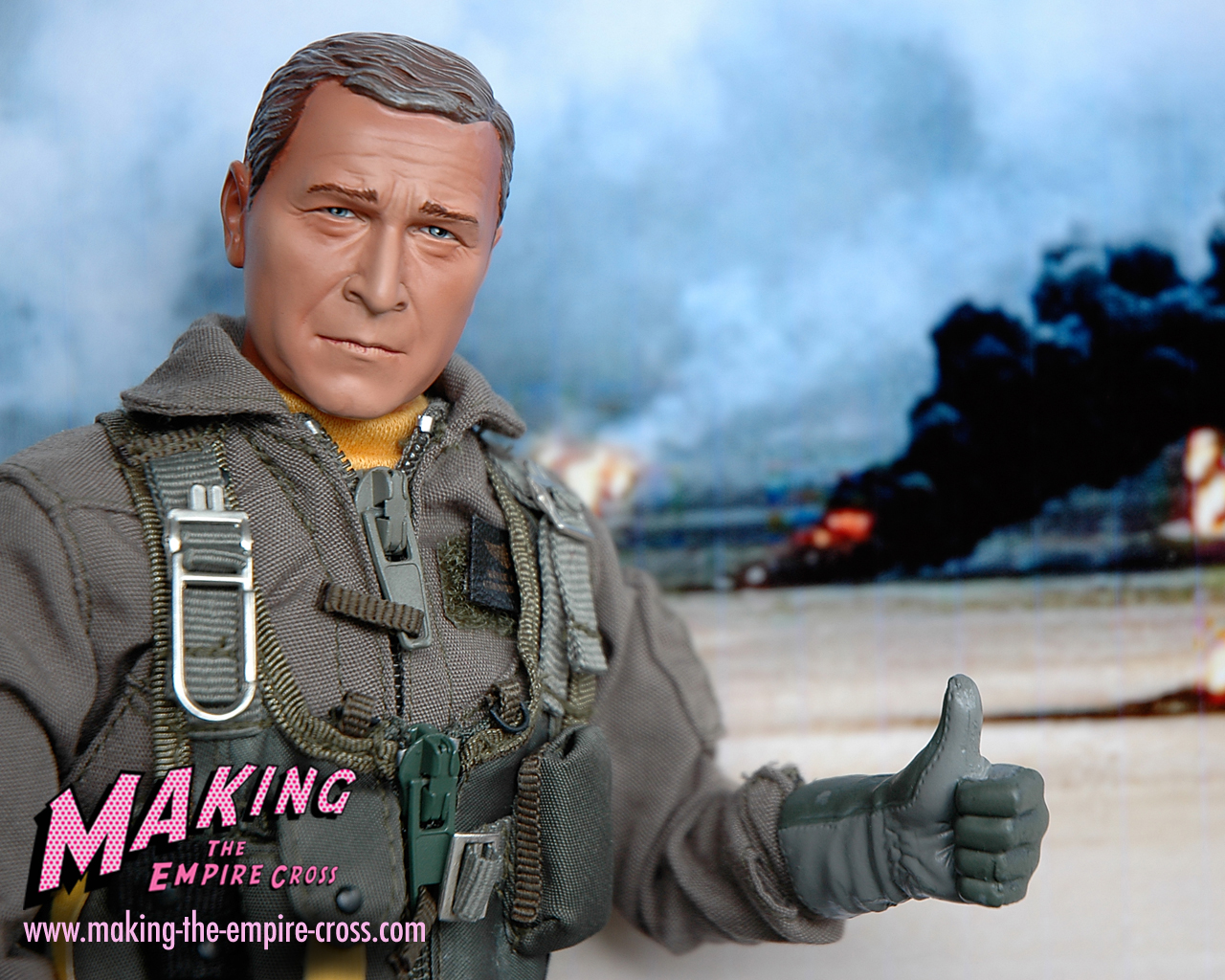
George oil

1280 x 1024

1024 x 768

800 x 600
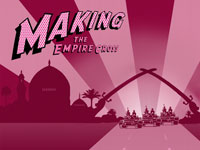
Baghdad Background

1280 x 1024

1024 x 768

800 x 600
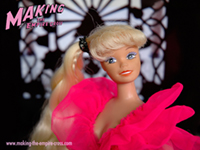
Pink Smoke Title

1280 x 1024

1024 x 768

800 x 600

footer